TM Customer Service Number & Hotline
TM does not run its own separate customer service line. Since TM is a prepaid brand under Globe Telecom, every hotline, chat channel, and store listed here is a Globe channel that also serves TM users. This guide lists the exact numbers, chat options, and store details you can use, along with what to expect from each one.

How to Contact TM Customer Service
Globe offers four main ways to reach support, and all of them work for TM users.
You can call the hotline for account issues, billing questions, or reporting a lost SIM. You can chat through Facebook Messenger or the GlobeOne app for quick, text-based help. You can visit a Globe store in person for ID-based transactions like SIM replacement or registration help. Or you can use the GlobeOne app itself, which handles many requests without needing to contact an agent at all, such as checking your registration status or requesting a SIM replacement.
Each option fits a different kind of problem, covered in detail below.
TM Customer Service Hotline Numbers

According to Globe’s official contact page, these are the correct hotline numbers for TM and Globe users:
| Number | How to Dial | Cost |
|---|---|---|
| 808 | From your TM SIM | Free |
| 211 | From any Globe mobile number | Free |
| (02) 7730-1000 | From any landline | Free |
Warning: Many other sites list (02) 7730-1500 as Globe’s landline number. That number does not match what Globe publishes on its own contact page. Use (02) 7730-1000 instead.
TM Hotline 24/7 Availability
Globe states you can reach its hotline anytime, and the automated digital assistant on 211, 808, and (02) 7730-1000 does run 24 hours a day. This assistant handles common requests like checking your balance or reporting a lost SIM without needing a live agent.
A live agent is not guaranteed at every hour. For faster live support outside typical business hours, Globe’s Messenger chatbot is also available 24/7, and it can escalate more complex issues to a live agent when needed.
How to Call TM Hotline Step by Step
- Dial 808 from your TM SIM, 211 from any Globe mobile number, or (02) 7730-1000 from a landline.
- Listen to the automated menu and select the option that matches your concern.
- Follow the prompts to resolve simple requests through the automated system.
- Say or press the option for a live agent if the automated system cannot resolve your issue.
- Have your mobile number and, if asked, a valid ID ready to verify your identity.
TM Customer Service Chat Support

Chat is often faster than calling, and Globe offers a few different channels depending on what you need.
Facebook Messenger, through Globe’s official page, runs an automated chatbot around the clock, based on Globe’s own support documentation. It answers common questions instantly and can hand off to a live agent for issues it cannot resolve.
The GlobeOne app has its own built-in chat and self-service tools, letting you check your registration status, request a SIM replacement, or troubleshoot an issue without leaving the app.
Globe also runs Viber communities with live agents available from 8 a.m. to 6 p.m. daily, according to Globe’s official page. Outside those hours, messages are still answered, just not by a live person right away.
How to Use TM Chat Support
- Open Facebook Messenger and search for Globe’s official page, or open the GlobeOne app.
- Type your concern in plain language, such as checking your registration status or reporting a lost SIM.
- Follow the chatbot’s prompts or answer its questions to narrow down your issue.
- Ask to speak with a live agent if the chatbot cannot resolve your concern.
- Keep your mobile number ready in case the agent needs to verify your account.
TM Service Center Locations
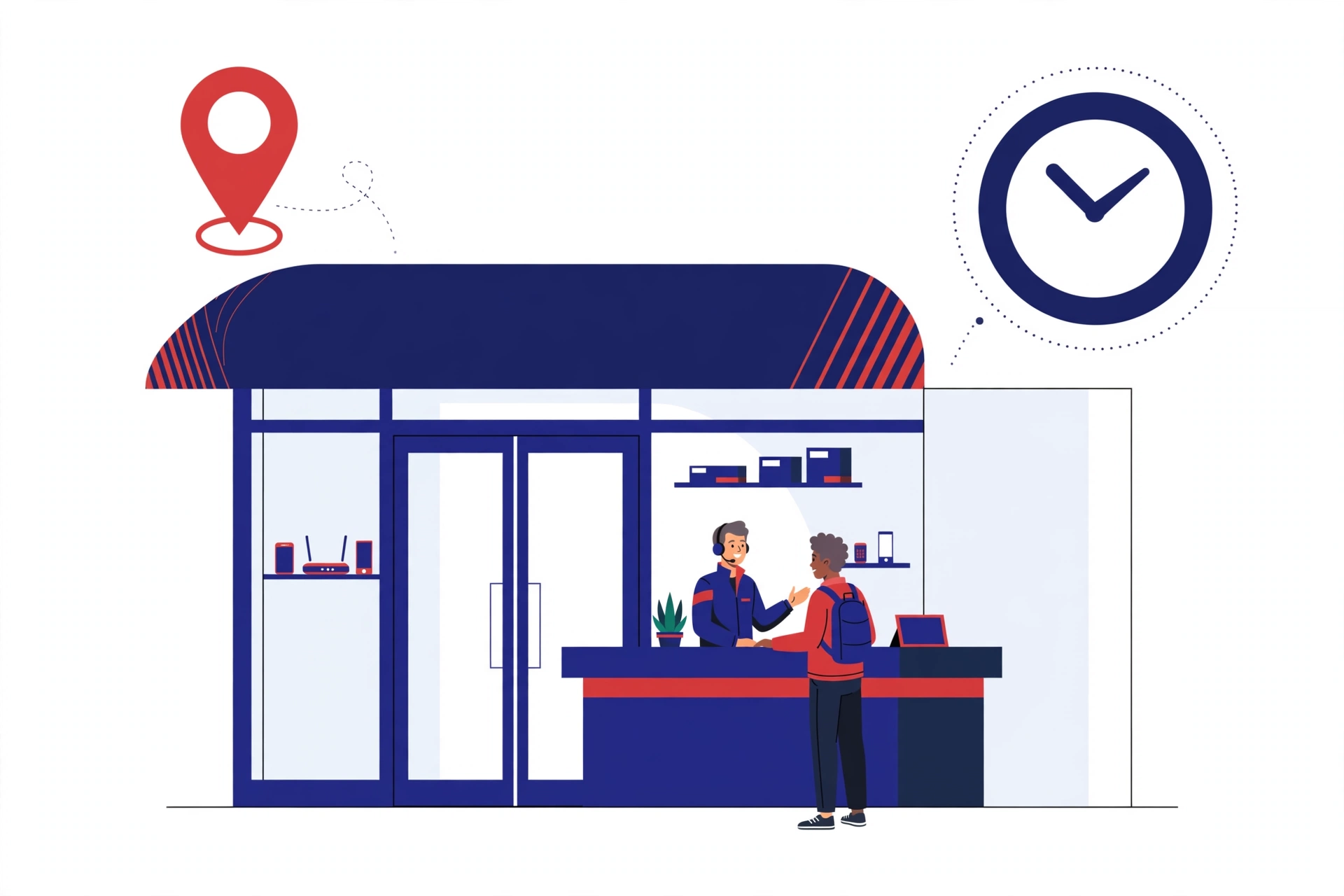
TM does not operate separate physical stores. TM users are served through the regular Globe store network, based on Globe’s own store locator.
Globe stores are listed by region across Luzon, Visayas, and Mindanao on Globe’s official store locator. Hours vary by branch. Most stores open around 10 a.m. on weekdays, with some extending hours or opening earlier on weekends, so check the specific store’s listed hours before visiting.
Service Centers Can Help With
- SIM registration support and ID verification
- SIM replacement for a lost, stolen, or damaged card
- Change of ownership on a registered number
- Postpaid plan applications and renewals
- Prepaid product purchases and device pick-up
- Bill payments and GCash cash-in transactions
Tip: Bring a valid government issued ID to any store visit, since most transactions require identity verification.
How to Contact Globe At Home Customer Service
Globe At Home, Globe’s home broadband service, is separate from mobile support and has its own support process through Globe Care Squad.
Globe At Home Support Options
- For GFiber postpaid customers, fill out the Globe Home Squad sign-up form online. A Globe At Home representative will call you to confirm your appointment for installation, setup, or a home assessment.
- For GFiber prepaid customers, open the GlobeOne app, select GFiber Prepaid concerns, choose Troubleshoot my device, and answer the diagnostic questions. If the issue is not resolved, select Request for repair.
- Customers on GFiber plans of 2499 pesos or higher get access to an exclusive VIP hotline through 211 or (02) 7730-1000, based on Globe’s official Care Squad page.
- You can also reach Globe At Home support directly through Facebook Messenger at m.me/globeathome for real-time help.
Tip: Every Care Squad visit comes with a 30-day service warranty, according to Globe’s official page.
Globe Landline & Appointment Services
If you prefer calling from a landline, (02) 7730-1000 reaches the same support system as 211 and 808, free of charge. This works for both TM mobile concerns and Globe At Home account questions.
For a Globe At Home installation or repair, the appointment process runs through the Globe Home Squad sign-up form rather than a walk-in queue. A representative confirms your appointment by phone after you submit the form. Globe has not published a separate self-service tool for booking a specific time slot at a retail store, so for in-store visits, check that branch’s listed hours and expect to wait in line, or ask a store’s Messenger or phone line whether that location offers time slot booking.
Conclusion
TM users have several free ways to reach support: the 808 hotline, Facebook Messenger, the GlobeOne app, or any Globe store, since TM runs entirely on Globe’s support network. Chat and the automated hotline system work around the clock for common requests, while a live agent or a store visit covers anything more complex. For Globe At Home concerns, the Care Squad process and its dedicated channels handle installation and repairs separately from mobile support. Whichever channel you use, keep your mobile number and a valid ID ready to speed up verification.